
Free PDF tools can merge, split, compress, convert, edit, sign, or organise common seller documents. Select a tool based on the exact task, file-size limits, output quality, privacy policy, and whether files are deleted after processing.
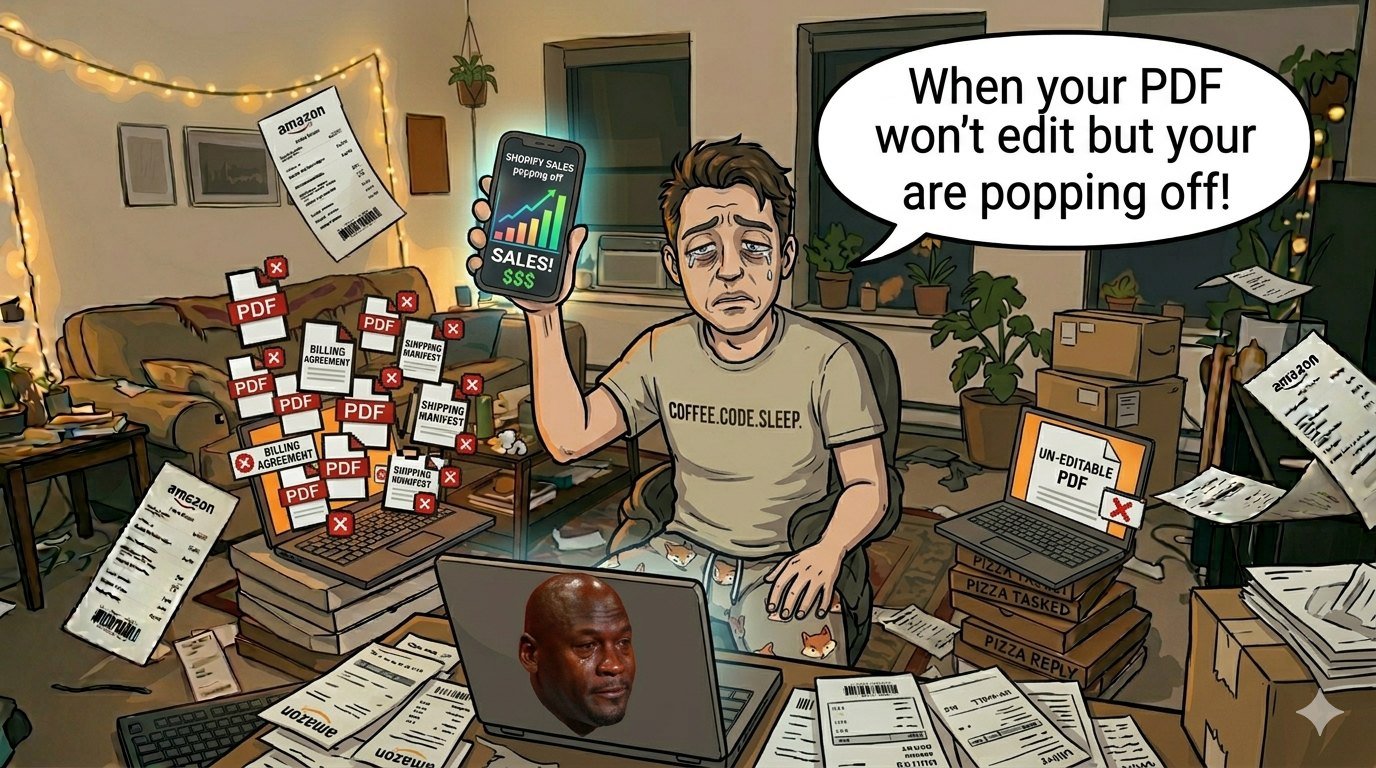
What's the bad guy in this sad story? PDFs. Yeah, those digital bricks of doom that can't be changed and convert your elegant Shopify business into a nightmare of paperwork.
I've been there, looking at a hazy image of a supplier invoice at 2 a.m. and blaming Adobe for keeping the good stuff behind a $20/month paywall. Why, universe, why?
But don't worry, seller who's had too much coffee. I'm going to tell you about the greatest
free online PDF tools that will make you feel like a file management guru without spending a thing. No fluff, no upsells—just straight-up help for your e-commerce mess. We're talking about combining invoices faster than a TikTok craze dies, revising contracts without calling the devil, and compressing data so your email doesn't bounce back like a terrible Tinder match.
Get ready for a sarcastic boost to your productivity. Why PDFs Are the Worst Thing for E-Commerce Sellers (And How Free Tools Can Help) Imagine this: It's the night before Black Friday, and your store is busy. Suddenly, a customer demands a PDF invoice with their dog's face on it. (Okay, maybe not, but near enough.) PDFs tease you with their locked-up beauty.
Text that is locked? Check. Huge file sizes that
fill up your inbox? Check again. And don't even get me started on trying to sign a supplier
agreement without printing it out like it's 1997.
Enter the magic of PDF tools and file management. These free tools let you cut, chop, and
serve PDFs like a pro chef on a terrible acid trip. Rhetorical question: Why pay when you can have fun? That's because of capitalism, but not today.
They fix things like supplier contracts that can't be changed, product catalogs that are too big, and Gmail's unending email attachments. Honestly, I've been able to compress a 50MB product documentation to 2MB in just a few seconds. No more "file too big" shame.
These tools are more than just useful; they're the best thing that's ever happened to your remote work problems. When you can handle files without any problems, who needs therapy?
Tool #1: ILovePDF, the Swiss Army Knife That Works (No Sponsorship, I Promise)
If PDFs were a bad ex, ILovePDF is the new love that makes you feel better. Upload, combine, split, and compress—done! I had to merge 47 order invoices for taxes once.
Adobe? Funny. This bad guy did it in less than a minute, with no watermarks or annoying "upgrade now" pop-ups like your mom on Thanksgiving.
It's a bold claim, but it's the greatest free online PDF tool for e-commerce because it can manage a lot of files at once. Want to add a watermark to your customized packing slips? Simple.
Are you able to compress shipping labels for Etsy? Easy as pie. rapid tip: utilize "PDF to JPG" to make rapid product mockups. Even while your sleep routine won't, your Instagram feed will.
This is the beautiful chaos: You can combine up to 15 files at once (like weekly reports). Flip the pages for those sideways supplier scans, because who scans straight? Unlock passwords on PDFs that are "protected." Is that sneaky?
Maybe. Does it work? Yes, of course.
Sellers in the U.S., picture how easy it would be to go through UPS label batches without the Acrobat trial ending in the middle. It's porn for PDF tools and file management.
Tool #2: SmallPDF—For When You Need to Make Changes Without Selling Your Soul
SmallPDF acts like that friend who "just knows a guy" who can get you free hacks. Editing text? Check.

Putting in signatures? Yes, drag and drop like you're swiping right on productivity. I changed the returns policy PDF in the middle of a Zoom call with a buyer.
I felt like a boss, but I looked like a gremlin on caffeine. Sarcastically true: Who has time to install desktop software when you're busy completing orders from your sofa fort? This is the best thing ever for your browser.
Rhetorical flex: Have you ever tried to change the pricing on a contract PDF without it seeming like a baby wrote it? SmallPDF makes fun of your pain. Quick tips for e-commerce workers: Feature of eSign: Digitally ink supplier gets things done faster than Starbucks makes your venti.
Turn Google Docs mess into beautiful ideas by converting Word to PDF. Shredder that is safe: After using files, delete them. No horror stories about data breaches.
It's got a daily free limit, but for people who sell alone, it's unlimited gold. Upgrade? Nah, live on the edge.
And yes, file management and PDF utilities just got more attractive. Pop culture reference:
It's the Deadpool of PDF editors: rude, smart, and not at all calm.
Tool #3: PDF2Go—The Underdog That Packs a Punch
Warning: a hidden gem! PDF2Go is the TikTok creator who gets viral overnight without saying a word. It's got all the tools you need to compress, convert, and secure PDF files and manage files.
I used it to scan a pile of blurry receipts so I could keep track of my expenses. Boom, text you can search. No more looking like a pirate.
Hot take: This is great for U.S. hustlers who are buried in Amazon FBA paperwork. Make scanned W-9s easy to alter. Why it slaps: Magic of OCR: Make it possible to search via handwritten comments (very important for customer dispute PDFs).
Use passwords to protect: Lock down your price sheets so that imitation businesses can't get to them. Screenshot your Shopify dashboard in HTML to PDF? Report right away.
Chaotic realness: Is the free tier unlimited? Most of the time. I've banged it for hours without any problems.
Take it, Big Tech! Imagine being able to provide Walmart customers crystal-clear product certificates without worrying about pixelation. A game-changer.
Tool #4: Sejda—Because You Don't Always Want to Pay for Fancy
Sejda is the artisanal coffee of PDF tools: smooth, customized, and mostly free. You can change forms, white out information, and even stamp dates on bills. E-comm pro move: Fill out customer address fields automatically from CSV.
Is your mind blown? Mine was. Unfiltered opinion: Beats ILovePDF for precise adjustments, such changing a logo on spec sheets.
Perks that hit hard:
Form filler for PDFs with the same order over and over. Whiteout tool: Remove sensitive information without leaving any traces.
Free up to 200 pages, which is enough for most merchants.
Level of expertise in PDF tools and file management: Expert. Remote work win: No downloads needed; just use your iPhone to take over while you walk. The Honorable Mentions (Because Free Is Better Than Greed) PDF24 for all-in-one desktop feel (and web version too) and SodaPDF for fast conversions are two good options.
Don't sleep on them. That's all, seller. You're welcome (or whatever).
You made it through my crazy PDF rant without resigning in a fit of wrath. Now save these bad boys as bookmarks to make your e-commerce life easier, and maybe take a sleep. Or don't.
Just keep working hard and dreaming of passive revenue as your PDFs magically do what you want them to. Your future self, who isn't crying over file sizes, sends kisses with a hint of sarcasm. Get out there and sell things.


Comments (0)
Log in to join the discussion.