

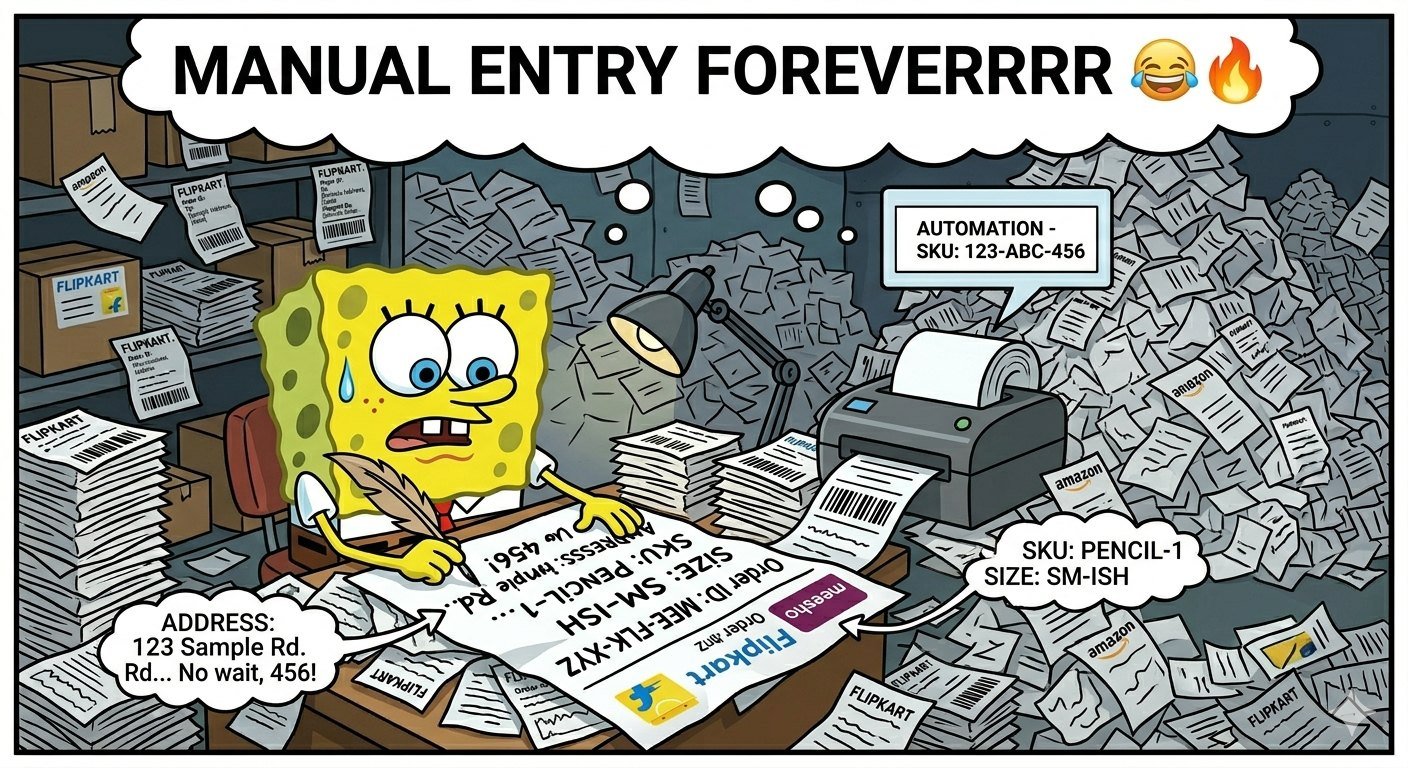
Automatically placing SKUs on shipping labels reduces manual typing, mismatched parcels, and packing delays. Connect the store, inventory system, and shipping platform or use a validated CSV import with consistent SKU data.
You're putting SKUs on shipping labels like a medieval scribe writing the Bible by hand. Why? Automation sounds wonderful, but you don't have time to figure it out.
I rolled my eyes so hard that I hurt myself. We've all been there, trying to figure out Shipping Labels & Label Management like it's a bad Tinder date. But you know what?
You can add those little SKU bastards automatically without giving your soul to Zapier or anything else. This isn't a blog entry from your grandma; it's a diatribe fueled by caffeine to keep you sane. Get ready, because by the end, you'll be shipping like a pro... or at least not crying into your cold coffee.
Let's make fun of your existing problems and fix them.
The SKU Nightmare: Manual Entry is the Worst Thing You Can Do as an Adult
You know you've spent more time inputting SKUs than selling things. It's like the never-ending TikTok scroll that turns one video into three hours of cat disasters. In Shipping Labels & Label Management, SKUs are like ID cards for your goods.
They are unique numbers that say, "This widget is from aisle 7, not the knockoff from wish.com."" But adding them by hand? Brutal. You could send Aunt Karen's yoga mat to a guy in Ohio who ordered protein powder if you make one mistake.
The truth is that if you're still copying and pasting SKUs, your business is like a hamster
wheel. What makes this bad? Your fingers tighten much faster than your ex's explanations.
Mistakes mean returns, which means angry Reddit posts about your "bad customer service." Money lost = time squandered. You should do the math, smart guy. Wouldn't life be better if labels with SKUs printed themselves?
Yes, there is a spoiler. And no, you don't need a degree in computer science or to give over a USB drive to the shipping gods.
Step 1: Choose Your Poison—Platforms That Will Keep You Going
Okay, drama queen, it's time to pick your fight. Most of us peasants use Shopify, Etsy, or WooCommerce since Amazon is too cutthroat and eBay is for people who flip-flop. No matter what your style is, they all know how to make shipping labels and manage them.
No PhD needed. This is the lazy lineup: Shopify: The best label maker. Works with ShipStation or USPS like peanut butter and jelly.
Etsy is really basic, but you can get free labels that automatically pull SKUs when you use it with Pirate Ship. WooCommerce is a great place to get free plugins, but don't forget about Shippo. It's the easygoing friend that does all the hard work.
If you're using Shopify (which is a great decision), go to Settings > Shipping and Delivery. Turn on "Automatically fulfill orders" and watch as SKUs magically fill up. It actually does work.
I tried it after three cups of coffee. Side note: Is working from home a perk? You can do this in your pajamas.
Cozy like Urban Outfitters.
Step 2: Act like a pro at integrating (or fake it until you make it).
Now comes the fun part: sticking your store to a label maker. You might say it's like swiping right on Shipping Labels and Label Management apps. ShipStation, Easyship, or Shippo are your Hinge matches.
They are safe and not creepy.
Quick and easy setup for Shopify and ShipStation (since why not the MVP?):
Sign up for ShipStation (it's free for a month, so don't be cheap). You may link your Shopify store in only 30 seconds. It takes in orders, SKUs, and everything else.
Click on Brands, then Label Templates. Drag and drop your SKU field into the design of the label. Boom—fills in automatically when you print.

Print a test. Check your SKU mappings if it throws up. A common mistake for beginners is to forget to sync their inventory.
Rhetorical flex: Have you ever seen a TikTok where an influencer "hacks" productivity with a planner that costs $5? This is better. No stickers, just code that does the work.
For Etsy users: Pirate Ship automatically pulls SKUs from listings. Connect your store, choose USPS or UPS, and labels will come out ready to use. Shipping Labels and Label Management are all set up, and no brain cells were harmed in the process.
Woo people? Add the Shippo plugin. Link your product SKUs to custom fields.
Print. Make money. If WordPress collapses, don't blame me; blame the plugins.
And here's a pop culture reference: This is your Thanos snap for shipping chaos—one integration, half the hassle gone.
Step 3: Make those labels look more professional so they don't scream "Amateur Hour."
Labels are more than simply sticky paper; they're the first impression people get of your brand. Step one is to automatically add SKUs. Now make them stand out without seeming like a Shein drop shipment.
Power moves: Add SKU and QR codes: Scan them at the door to return them. AF that will last. Branding flair: the logo, the return address, and that sardonic phrase that says "Handle with care, we ship dreams." Batch printing: Put 50 orders in line, hit print, and walk away.
For anybody who made it through Black Friday, this is the best. To change templates in ShipStation's Shipping Labels & Label Management, go to Advanced > Custom Fields. Get SKU from order data in real time.
Pro tip: Use {{SKU}} variables. It's like texting your label what to say. What if mistakes happen?
It's the gremlins' fault. No, look at the mappings. Not showing SKUs?
Re-sync your stock. Still broken? Forums are great (Reddit's r/ecommerce is the best).
A funny break: Try to explain this to your parents who are boomers. "Mom, the computer adds the numbers now." My mind is blown. How to Fix Automation When It Ghosts You (Because It Happens) Things go wrong?
You're not the only one. When SKUs play hide-and-seek in Shipping Labels & Label Management, here's the unedited list of things to do. SKU mismatch: Make sure that the SKU field in your store matches the one in the label app.
Dummies, it's case-sensitive. Bulk order apocalypse: Break up the batches. ShipStation can manage more than 1,000 like a pro.
USPS Click-N-Ship will automatically add SKUs to your orders if you import CSVs correctly.
WorldShip plugin for UPS. Plugin wars: Turn off extras. Less is better.
Test small: one order, print label, check SKU. It works for empires. I've quit in a rage less
because of this than my fantasy football league. Level Up: Tips for the Very Obsessed Want to be in god mode? Zapier makes it easy to move SKUs to labels across apps.
Etsy order goes to Google Sheets and then to Shippo. Nerdy? Yes.
Is it worth it? Yes, for more than 100 orders a day. Hack for working from home: Use apps on your phone to set it up.
Print while sitting on the couch. Going to Starbucks? Labels wait their turn.
Last bit of sarcasm: Don't @ me if you don't read this and keep suffering. It's up to you, masochist. You did it!
Give yourself a pat on the back, or don't. You're probably already shipping. Before your fingers go on strike and form a union, go automate those labels.
Thank you, future you, for the time you have to doomscroll on TikTok. What new torment is your store going through now?

Comments (0)
Log in to join the discussion.